
Client status page
A private page that answers “where are we?” for every client.
Each client gets one link. It always shows where their work stands, what you need from them and what happens next. They never create an account.

What your client sees
Where things stand
The current step in plain words, and a short note from you if you added one.
What comes next
The steps still ahead, what you are doing now and the date of your next update.
What you need from them
Anything to confirm, approve or acknowledge, with a button to answer.
What they owe
An amount and due date when you record one, with your payment link if you add it.
A place to ask
Ask for an update or report a problem. The question goes to your Today list.
Your business, not ours
Your name and logo on top, three page styles to choose from, English or French.
Private by design
Hard to guess, easy to replace, never listed anywhere.
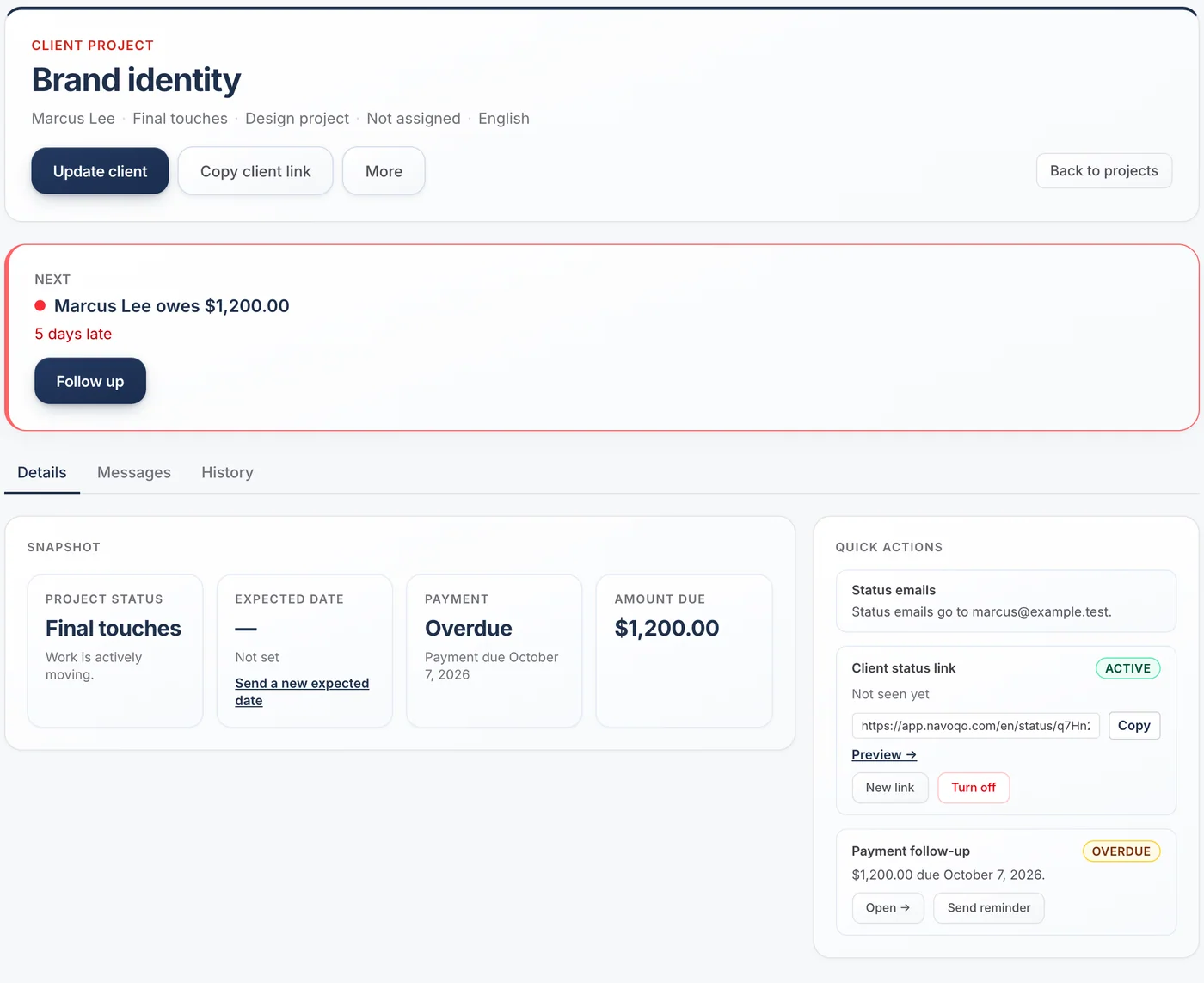
Each page has its own long random link. It is not indexed by search engines and not listed anywhere. If a link is shared by mistake, make a new one in one click, or turn the page off.
- Your internal notes are never shown
- Client names, emails and notes are encrypted
- Archived clients’ pages turn off automatically
Questions about the client page
Do clients need a password?
No. The link itself is private. Clients open it in any browser, on any device.
Can clients upload files on their page?
No. Navoqo does not store documents. Clients can confirm, approve, acknowledge and ask questions. Keep using your usual tool for files.
Can I see whether a client opened their page?
Yes. The project shows when the page was last seen.
What if I send the link to the wrong person?
Make a new link from the project. The old one stops working at once.
Guides and templates
- What a simple client status page should include →The six things a client-facing status page needs, the four it should never show, and why a private link beats a client portal for small service businesses.
- Client portal vs CRM: which one does a small service business need? →What a CRM does, what a client portal does, what each one costs you in time, and a lighter third option: one private status page per client, with no login.
Give your clients the service you want to give.
Add a client, send one update, and watch the “where are we?” emails slow down. It takes an afternoon.
Free for 10 active projects · No credit card · No time limit